A school phone ban should not cut a child off from medically necessary continuous glucose monitoring. If your 12-year-old uses a smartphone as the receiver or display for a continuous glucose monitor (CGM), start by asking the school for a written medical-device exception—not by telling your child to hide the phone or silence essential alerts.
The practical goal is simple: the phone remains available for diabetes care while ordinary calls, messages, games and social media stay within school rules. The exact process varies by country, state, district and school. In the United States, a clinician-authored Diabetes Medical Management Plan (DMMP) and a school accommodation plan, often a Section 504 Plan, can document what your child needs.
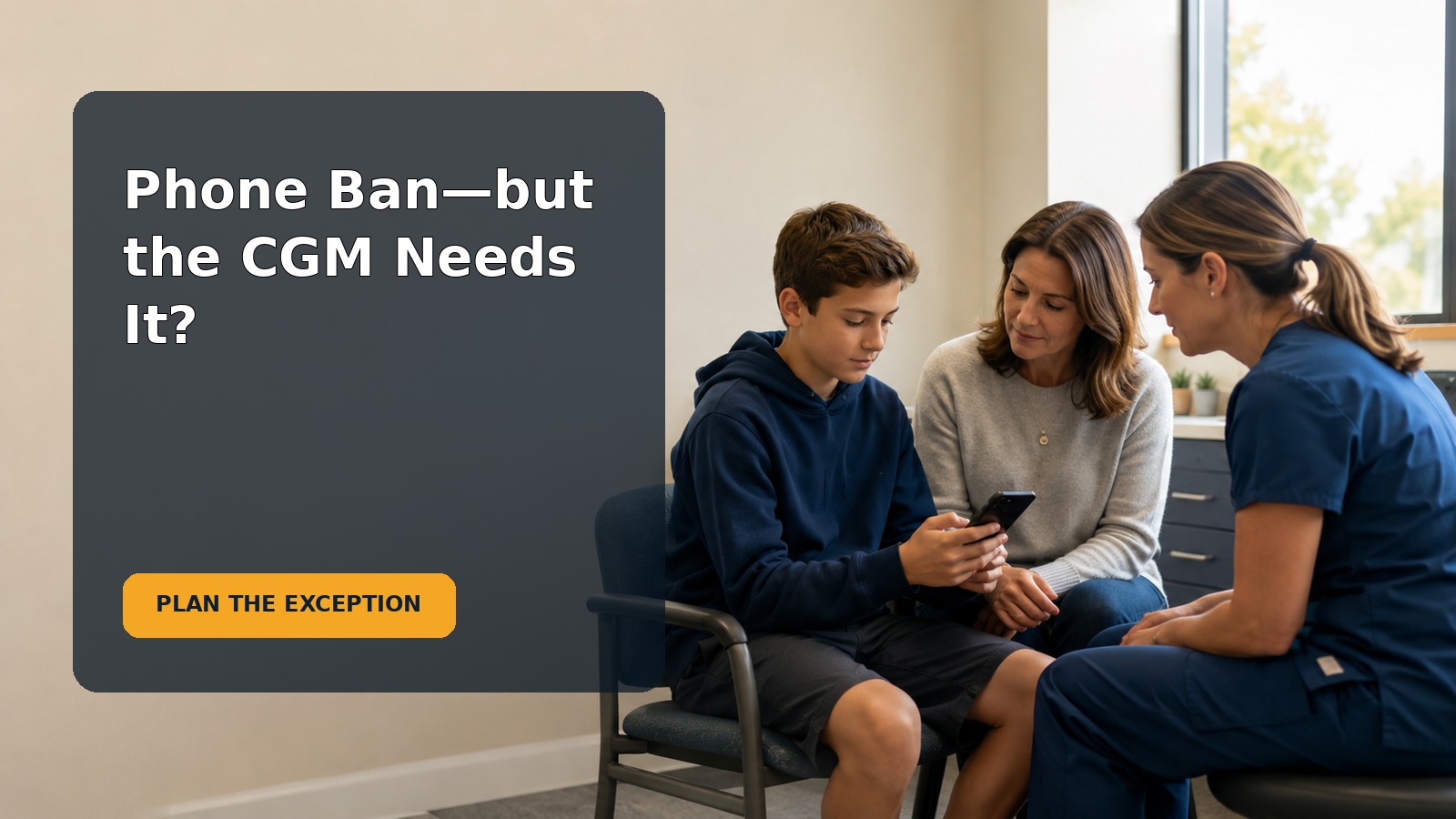
Start with the immediate question: can the phone stay with my child?
Often, the answer can be yes when the phone is part of the child’s prescribed diabetes-management system, but do not rely on a verbal assumption. A general phone restriction and a medically necessary accommodation are different issues. Ask the school to confirm the exception in writing and explain how staff will apply it in classrooms, lunch, physical education, testing, transport, field trips and after-school activities.
The American Diabetes Association (ADA) states that schools should allow capable students to self-manage diabetes anytime and anywhere. It also specifically says that states and districts implementing phone restrictions need to exempt students who require smart devices to manage chronic conditions such as diabetes. That does not mean every student follows the identical arrangement. Independence, supervision and backup procedures should follow the child’s medical orders and demonstrated skills.
What is typical at 12–13 years?
Many tweens can notice alerts, check a CGM display and tell an adult when they need help. Some can manage more of their care independently; others need direct support. Age alone does not decide readiness. Consider whether your child reliably:
- recognizes the difference between routine and urgent alerts;
- responds according to the clinician-approved plan;
- keeps the phone charged, connected and within range;
- can explain that the device is being used for health monitoring;
- asks an adult for help when symptoms, readings and expectations do not match; and
- follows the agreed limits on nonmedical phone use.
A child should not be expected to carry the entire safety burden. Trained adults, access to supplies and a clear response plan remain important even when the student is skilled and independent.
What changes the answer for this child?
The arrangement may differ depending on the CGM model, whether the phone is the primary receiver, whether readings are shared remotely with caregivers, whether an insulin pump communicates with the device, and how the child experiences low or high blood glucose. The plan should also consider connectivity, battery life, alarm audibility, test settings, privacy and who responds if the child cannot.
Never disable medically necessary alerts or separate the phone from the student merely to make the rule easier to enforce. Ask the diabetes clinician which settings are essential and what backup method should be available if the phone, sensor, app, network or Bluetooth connection fails.
A calm first-step check
What to verify before contacting the school
Spend ten minutes gathering the facts. Write down:
- the CGM and phone/app your child uses;
- whether the phone is a receiver, display, controller or communication link;
- which alerts need to remain audible or visible;
- the child’s current self-management responsibilities;
- the current DMMP, emergency plan and accommodation plan, if any;
- the school’s written phone policy and stated medical-exception process; and
- the clinician and school contacts who can update the plan.
Do not change treatment thresholds, alert settings or insulin decisions based on a school policy. Those decisions belong in the clinician-approved medical plan.
A low-pressure script for your child
Keep the conversation factual and non-alarming:
“Your phone helps you see your glucose information, so we’re going to make sure the school knows it is a medical device during the day. You are not in trouble, and you do not have to hide it. We’ll agree on what you do when it alerts and which adults can help.”
Invite your child to name practical worries: being singled out, having the phone confiscated, missing an alert, answering questions from classmates or being accused of texting. Those concerns belong in the plan because a technically correct exception can still fail if the child is embarrassed or afraid to use it.
The practical school-phone-ban CGM plan
Step 1: request a documented medical exception
Email the school nurse or designated health contact and the administrator responsible for the phone policy. State that the smartphone is used with a prescribed CGM and ask for the medical-exception procedure. Attach or offer the current clinician orders, but use the school’s secure process for sensitive health records.
A concise message could say:
“My child uses a smartphone to receive and respond to continuous glucose monitor information during the school day. Please confirm the process for documenting a medical-device exception to the phone policy and updating the DMMP and accommodation plan. We would also like to confirm access during class, testing, lunch, transport, field trips and extracurricular activities.”
In the United States, the ADA explains that a written accommodation and care plan under disability law—such as a Section 504 Plan or, when applicable, an Individualized Education Program—helps ensure diabetes needs are met. This article provides general education, not individual legal advice. Rules and enforcement procedures vary, so ask the school team or a qualified local advocate about your situation.
Step 2: define the everyday operating rules
A useful plan is specific enough that every teacher does not have to improvise. It can address:
- where the phone will be carried and whether it must remain within a particular range;
- permission to view the screen and respond to CGM alerts without waiting for a general phone break;
- which alerts may sound, vibrate or appear during instruction and tests;
- where the student goes if a reading or symptom requires action;
- which trained staff provide support and how substitutes are informed;
- when caregivers may receive remote CGM data and how they contact the school;
- what counts as medical use versus ordinary personal use;
- how privacy is protected without hiding necessary care;
- what happens during device failure, loss, low battery or poor connectivity; and
- how the arrangement works off campus and outside the regular classroom.
Keep the boundary neutral: “The phone stays accessible for diabetes care. Other use follows the school policy.” Avoid making the accommodation feel like a privilege your child can lose for an unrelated mistake. If nonmedical use becomes a problem, address that behavior without removing medically necessary access.
Step 3: test the plan and review it
Before the first full day under a new restriction, do a brief walkthrough with your child and the relevant staff. Confirm that the phone connects, the child can hear or see alerts as planned, and backup supplies are where the plan says they are. Ask who takes over if the nurse is unavailable.
Review the arrangement after the first week, after a device or schedule change, and whenever an alert is missed or the phone is wrongly confiscated. Record the date, place, what happened, the effect on care and what fixed it. A short factual record makes it easier to improve the plan without blaming the child or an individual teacher.
Common mistakes and better alternatives
Mistake: relying only on a verbal promise
Better: put the medical exception and operational details in the appropriate written plans. Verbal understandings can disappear when staff, classrooms or schedules change.
Mistake: telling the child to use the phone secretly
Better: make authorized medical use visible and predictable. Secrecy can increase stress and the risk of confiscation at the exact moment the device is needed.
Mistake: storing the phone too far away
Better: follow the manufacturer’s range requirements and the clinical plan. A locked pouch, office cabinet or distant backpack may interrupt data or delay a response.
Mistake: treating remote monitoring as the entire safety plan
Better: define the roles of the child, trained school staff and caregivers. Remote data can support care, but a caregiver outside school cannot replace an on-site response when immediate help is required.
Mistake: using one rule for every situation
Better: plan for exams, assemblies, sports, bus rides, field trips and substitute teachers. These transitions are where a vague exception is most likely to break down.
When to involve the clinician, school administrator or advocate
Ask the diabetes care team to update the DMMP when the device, treatment, alert needs or independence level changes. Ask the school nurse and accommodation team to translate those medical orders into a workable school-day plan.
Escalate calmly to the principal, district health lead or accommodation coordinator if staff repeatedly confiscate the device, require the child to miss instruction to view readings, refuse access during school activities or cannot explain who will provide care. In the United States, the ADA’s Safe at School resources describe federal protections and state-specific information. Families elsewhere should use the corresponding disability, education and health-plan channels in their jurisdiction.
Urgent safety concerns
Follow your child’s clinician-authored diabetes plan for low or high glucose, ketones, glucagon and emergency care. The CDC notes that hypoglycemia and diabetic ketoacidosis are serious complications of type 1 diabetes and advises families to get step-by-step instructions from the treating clinician. If your child has severe symptoms, cannot safely self-treat, becomes confused, has a seizure, loses consciousness or meets another emergency threshold in their plan, school staff should use the emergency response in that plan and seek urgent help. Do not delay care while debating phone policy.
One-page parent checklist
Before the policy takes effect
- Read the written phone policy and medical-exception procedure.
- Confirm current clinician orders, DMMP and emergency instructions.
- Request or update the accommodation plan.
- List essential alerts and backup monitoring steps with the clinician.
- Name trained staff and backup staff.
- Cover class, testing, transport, sports and field trips.
- Agree on medical versus nonmedical phone use.
- Practice a simple explanation with your child.
During the first week
- Check that the phone remains connected and accessible as planned.
- Ask your child whether they felt safe using it.
- Confirm that teachers and substitutes understand the exception.
- Record any missed alert, confiscation or access delay.
- Fix the process rather than blaming the child.
What success looks like
Your child can receive and respond to medically necessary CGM information promptly, trained adults know their roles, backup steps are available, and ordinary phone-use boundaries remain clear. The plan should protect health, dignity and access to learning at the same time.
Frequently asked questions
Does a medical exception mean unlimited phone use?
No. It means the phone is accessible for documented health needs. Calls, games, social media and unrelated messaging can remain subject to the same school rules as other students, unless another accommodation applies.
Should my child keep the phone in a locked pouch?
Only if the arrangement preserves the connection and immediate medical access required by the device and clinical plan. Ask the diabetes team about technical range and the school team about access. A system that delays a necessary response is not a workable medical exception.
What if the school says the nurse can hold the phone?
Ask whether that setup matches the clinician’s orders, the CGM’s connection range and your child’s right and ability to self-manage. A phone held elsewhere may not receive data or may delay access. Request a team meeting rather than resolving the issue through the child in the hallway.
Can the school require the CGM alarm to be silent?
Do not change essential alert settings without guidance from the diabetes clinician. The team can discuss vibration, volume and classroom procedures, but safety-critical alerts and response needs should be documented in the medical plan.
What if my child is embarrassed by alerts?
Ask privately what would help: a discreet cue, a designated response location when safe, a brief teacher explanation or a prepared phrase for classmates. Preserve privacy, but never make secrecy a condition of receiving care.
Sources and limits
- American Diabetes Association: Legal Protections
- American Diabetes Association: Safe at School
- American Diabetes Association: Diabetes Medical Management Plan
- Centers for Disease Control and Prevention: About Type 1 Diabetes
This article is general educational information, not medical or legal advice. A child’s diabetes care, CGM settings, alerts, treatment decisions and emergency thresholds must follow their clinician-authored plan. School policies and disability protections vary by jurisdiction; confirm the current local process.