If your 8-year-old has an hour of online homework, you do not have to count that school requirement exactly like a game or streaming video. But required screen use still occupies time, attention, posture, and eyes. The practical goal is to separate schoolwork from recreation while protecting sleep, movement, family connection, and the child’s ability to stop.
There is no universal recreational allowance that fits every 8-year-old. Instead of automatically adding an hour of entertainment—or banning it because homework used a screen—build a weekday plan around your child’s functioning. On a heavy online-homework day, recreational screen time may be shorter, lower-intensity, or moved until after an offline reset. On a lighter day, there may be more room.
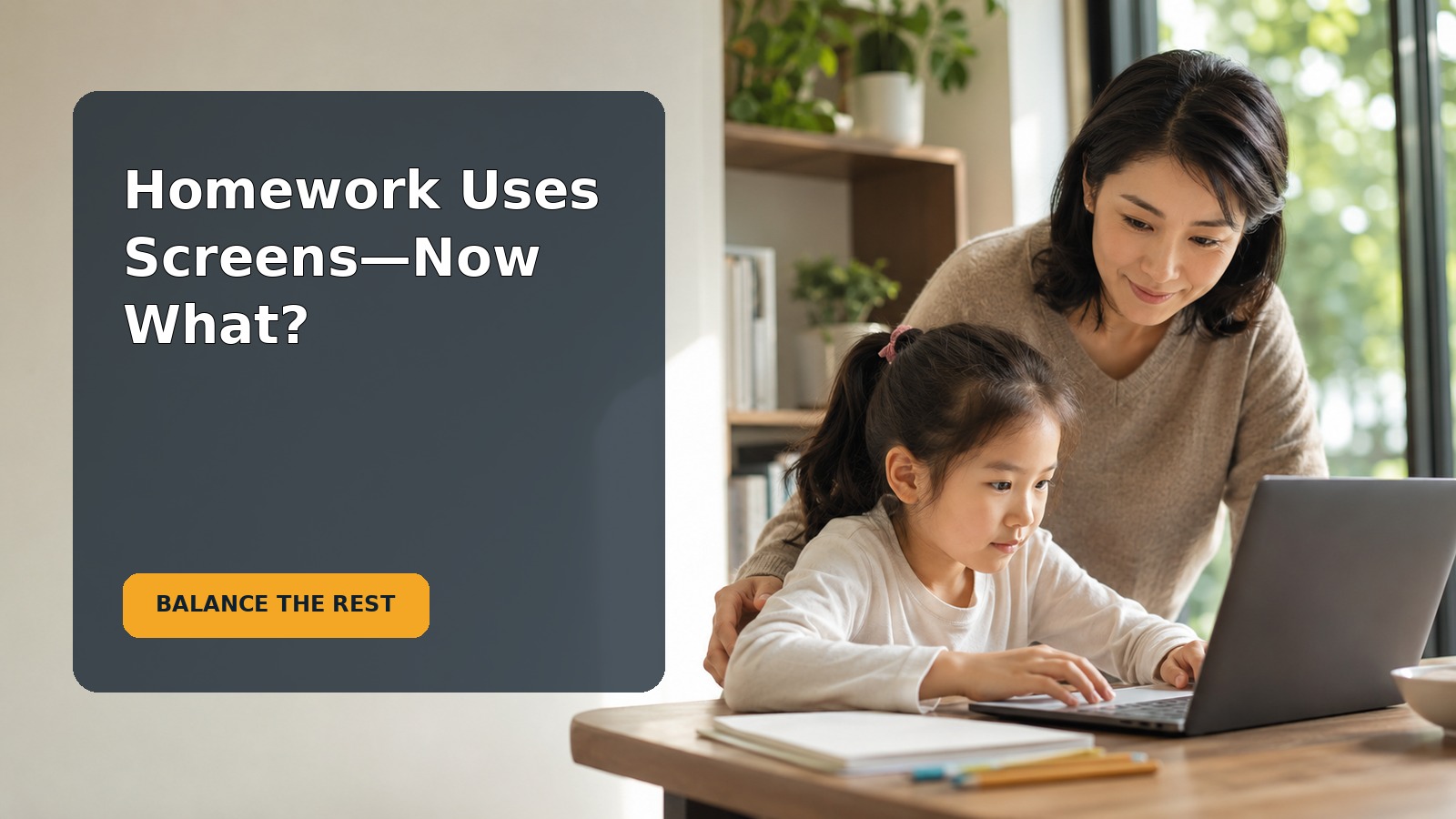
Start by separating purpose from total exposure
Use two simple buckets for one week:
- Required screen use: assignments, school platforms, research, video lessons, and teacher-directed practice.
- Recreational screen use: games, social video, entertainment, optional browsing, and shows.
This distinction helps you make fair rules, but it does not mean required use has no effect. A child can feel mentally tired after concentrating online even when the content is educational. Notice whether the hour is truly active work, whether the platform creates delays, and whether your child needs adult help to navigate it.
Check what the homework hour is replacing
Ask what remains in the evening after homework: dinner, bathing, reading, movement, family time, preparation for tomorrow, and enough sleep. If online homework pushes these basics aside, the answer is not necessarily a stricter entertainment rule. The assignment load, inefficient platform, slow internet, unclear directions, or need for learning support may deserve discussion with the teacher.
A realistic after-school sequence
Step 1: begin with an offline landing period
Give your child 15–30 minutes to eat, drink, move, talk, or play before starting homework when the schedule allows. Avoid filling this transition automatically with short videos. Fast entertainment can make the next transition harder and may turn a brief break into a negotiation.
Step 2: divide the online assignment into work blocks
For an hour of required work, try two or three focused blocks with brief offline breaks. The American Academy of Ophthalmology advises people using devices for long periods to look up from the screen and focus on something in the distance occasionally. A longer break between assignments can include standing, stretching, walking for water, or looking outdoors.
Set up the device so your child is not hunched over it. Use a stable work surface, comfortable chair, readable text size, and lighting that limits glare. Keep the screen at a comfortable distance. If your child reports persistent eye pain, headaches, blurred vision, or double vision, contact an eye-care or health professional rather than assuming all discomfort is normal.
Step 3: require a genuine off-screen reset
After homework, use a 20–30 minute screen-free bridge before entertainment. Choose something that changes the child’s body and attention: outdoor play, a walk, a shower, helping with dinner, building, drawing, or talking. This is not a punishment for having schoolwork. It restores balance before another digital activity.
Step 4: choose recreation that fits the remaining evening
Decide the endpoint before recreation begins. You might offer one episode, one game round, or a time window that ends well before bedtime. On a night when homework ran long, say plainly, “School used more of the evening, so tonight there is room for one short game. Tomorrow we will look at the schedule again.”
A sample school night might look like this:
- 3:30–4:00: snack and offline decompression;
- 4:00–4:25: online homework block;
- 4:25–4:35: movement and distance-vision break;
- 4:35–5:00: second online block;
- 5:00–5:20: finish, pack up, and take an offline reset;
- later: a pre-agreed recreational session if dinner, family plans, and bedtime still fit.
This is an example, not a prescription. Adjust it for transport, caregiving, disability, after-school activities, and your child’s learning needs.
Use the child’s functioning as your guide
The AAP’s current media guidance encourages families to consider the child, content, calming role, what media crowds out, and communication—not time alone. Review the plan if your child regularly:
- loses sleep or struggles to wake for school;
- has little opportunity for active play;
- rushes or hides homework to reach entertainment;
- cannot stop recreational use with predictable support;
- loses interest in offline play and relationships;
- becomes distressed by content or online interactions; or
- develops persistent headaches, eye complaints, or posture pain.
One unusual evening does not establish a problem. Look for patterns across a week, including weekends. Nappot’s broader guide to a practical family screen-time plan for school-age children can help you review content, bedrooms, stopping rules, and family communication.
Do not make “educational” a free pass
Labels can be misleading. An educational app may contain advertising, rewards, autoplay, data collection, or distracting links. Required platforms may also make it easy to open unrelated tabs. Ask your child to show you the actual workflow. Use full-screen mode, close unnecessary tabs, silence optional notifications, and keep entertainment apps off the school profile when possible.
At the same time, do not treat every recreational activity as empty. A child may create art, talk with a grandparent, or collaborate with friends through a screen. Content, context, and the child’s response matter alongside duration.
Make transitions predictable rather than punitive
An 8-year-old may reasonably protest when school uses a device and adults then say “no more screens.” Explain the difference before conflict begins:
“Homework screens are required, and they still make your brain and body tired. We will take an offline break afterward. Then we will see what recreation fits before dinner and bedtime. You are not losing fun as a punishment; we are planning the whole evening.”
Give a five-minute warning before recreation ends and define endpoints children can see: “when this episode ends” or “after this round, without starting another.” If a game cannot pause, consider that before approving it on a short school night.
Avoid bargaining minute by minute
Write the weekday pattern where everyone can see it. Include reasonable adult expectations, such as phones away during dinner. Review the plan weekly rather than renegotiating it every night. Predictability reduces the power struggle and lets you make deliberate exceptions for a special event.
Ask the teacher when an hour is not really an hour
Contact the teacher when required online work consistently takes much longer than expected, your child needs continuous adult instruction, accessibility barriers slow the task, or the platform itself creates repeated problems. Ask:
- How long should this assignment take?
- Which parts are required?
- What should my child do when they are stuck?
- Can work be downloaded, printed, dictated, enlarged, or completed another way?
- Is the same difficulty visible in class?
- How should we report genuine effort when the time expectation is exceeded?
Keep a short log for one week showing actual work time, breaks, technical delays, and support needed. That information is more useful than saying screens are “too much.” Do not complete the assignment for your child simply to shorten the evening; the teacher needs an accurate picture.
Common mistakes and better alternatives
Mistake: counting all screens as morally identical
Better: separate required and optional use, then consider the total impact on the day.
Mistake: promising recreation only after every task is perfect
Better: define genuine effort and use the teacher’s process for unresolved work. Perfection can make an anxious child slower.
Mistake: moving directly from homework to fast entertainment
Better: insert an offline reset that includes movement, food, conversation, or outdoor time.
Mistake: using a rigid limit despite obvious differences
Better: protect non-negotiables such as sleep and safety, while adjusting optional use to the day’s demands.
Mistake: focusing on minutes while ignoring content
Better: review privacy, ads, chat, autoplay, purchases, and emotional impact.
A one-week parent checklist
- Track required and recreational screen use separately.
- Record how long homework actually takes.
- Use short distance-vision and movement breaks.
- Protect a real off-screen transition after homework.
- Decide entertainment endpoints in advance.
- Keep devices away during meals and the bedtime wind-down.
- Review the content, not just the clock.
- Notice sleep, movement, mood, relationships, and stopping ability.
- Ask the teacher about work that repeatedly exceeds expectations.
- Review the plan with your child after one week.
Frequently asked questions
Does online homework count as screen time?
It counts as device exposure and as time in the day, but it serves a different purpose from entertainment. Track it separately while still providing breaks and protecting sleep, movement, and relationships.
Should recreational screen time disappear on homework nights?
Not automatically. Decide what fits after required work and essential routines. Some nights may allow a short recreational session; other nights may not have enough time without crowding out sleep.
Can my child watch videos during the homework break?
An off-screen break usually gives the eyes, posture, and attention a more meaningful change. Try movement, water, a snack, or looking outdoors instead.
What if my child says the plan is unfair?
Acknowledge that required screens use part of their free time. Explain the priorities, invite input about the sequence, and keep the rule predictable. Adults retain responsibility for sleep, content, and safety.
When should I ask for professional help?
Contact the teacher for persistent workload or access problems. Ask a pediatric or eye-care professional about ongoing headaches, vision complaints, sleep disruption, significant mood changes, or concerns that screen use is impairing daily functioning.
Sources
- American Academy of Pediatrics: Media and Children
- HealthyChildren.org: Family Media Plan
- American Academy of Ophthalmology: Digital Devices and Your Eyes
This article provides general educational information. School requirements, accessibility needs, health concerns, and family circumstances vary; seek individualized guidance when needed.