Digital literacy for a 4 year old begins with shared use, simple questions, and an adult who stays involved—not with independent scrolling.
A four-year-old does not need a personal tablet to become “digitally literate.” At this age, the more useful goal is smaller and more human: help your child learn that a screen is a tool, that grown-ups make the rules, and that they can stop, ask questions, and return to ordinary play.
If your child is asking for a tablet before kindergarten, you do not have to choose between an unrestricted device and a blanket no. A shared-device plan can give them a safe, gradual introduction while protecting sleep, movement, family conversation, imaginative play, and boredom—the activities that still do much of the developmental work at this age.
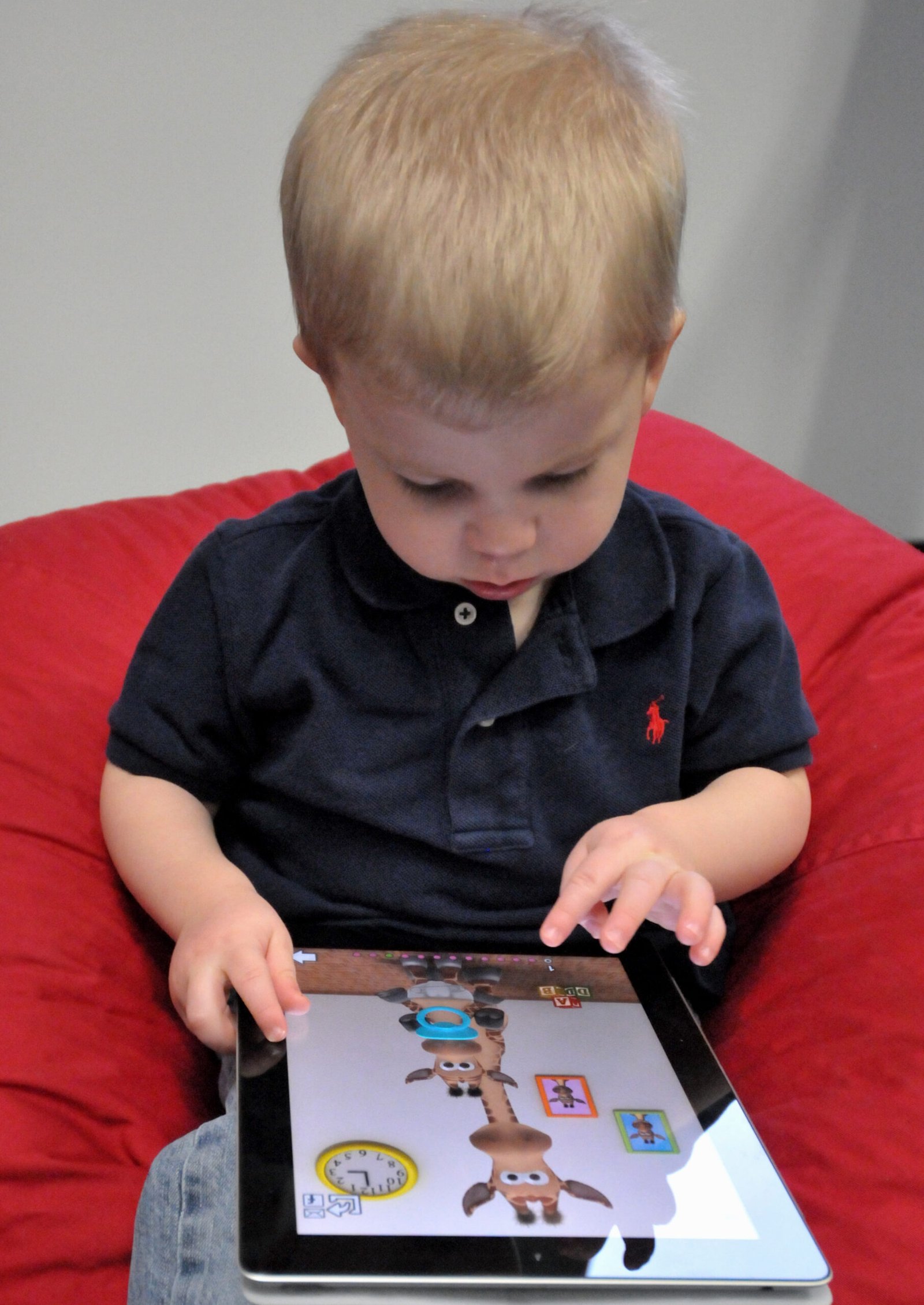
Start with the right definition of digital literacy for a four-year-old
For preschoolers, digital literacy is not typing, scrolling quickly, or mastering lots of apps. It is the beginning of a set of habits that will matter later: asking before downloading something, recognizing that an adult chooses what is appropriate, noticing when an advertisement is trying to sell something, and putting a device away when it is time for another activity.
The American Academy of Pediatrics (AAP) advises families to look beyond a single number of minutes and consider the child, the content, calming, what media crowds out, and communication. For a four-year-old, that means choosing calm, age-appropriate material, using it together when possible, and making sure the device does not replace sleep, active play, books, or connection.
A digital-literacy plan before kindergarten
1. Keep the first device shared
Place the tablet in a common area and describe it as a family tool, not your child’s private possession. A shared device makes it easier to co-use media, notice how your child responds, and avoid a habit of taking screens into the bedroom or using them alone whenever they are upset.
You can say: “This is a family tablet. We use it together at the table or on the couch, then it goes back to its spot.” The predictable home for the device matters more than a complicated technical setup.
2. Choose one purpose before you unlock it
Before each use, name the purpose in one short sentence: “We are going to video-call Grandma,” “We are going to look up how a caterpillar becomes a butterfly,” or “We are going to play this drawing game for ten minutes.” When the purpose is complete, the tablet is put away.
This simple habit teaches that devices are not an endless default activity. It also reduces the chance that a quick task turns into autoplay, random videos, or an argument about one more episode.
3. Begin with co-use, not solo use
Sit with your child at the beginning, especially with any new app, game, video channel, or video call. Ask open questions: “What do you think will happen next?” “Which part was real and which part was pretend?” “What would you try if the character gets stuck?”
Co-use does not mean turning every activity into a lesson. It means you are available to help your child connect what they see on screen with real life, notice uncomfortable content, and practice stopping. If an app makes your child frantic, secretive, or unable to transition, it is useful information: pause it and choose something else.
4. Make the first rules visible and few
Four rules are enough for most families at the start:
- Ask a grown-up before using the tablet.
- Use only the apps and videos a grown-up has chosen.
- Keep the tablet in shared spaces.
- Put it away when the timer, task, or grown-up says it is time.
Put these rules near the charging spot with pictures if that helps. Practice the last rule when everyone is calm. A child who learns to hand over a device after a short, predictable session is practicing a skill that will be more valuable than learning a new menu.
5. Set up the device before your child uses it
Create a child profile if the device offers one. Turn off purchases or require adult approval, remove web browsing if you are not ready to supervise it, disable autoplay where possible, and avoid apps built around constant rewards, ads, or prompts to keep watching. Review privacy settings and do not share your child’s name, school, location, image, or voice in an app unless you understand the setting and have chosen it deliberately.
Technology settings can help, but they are not a substitute for being nearby. A four-year-old cannot reliably judge whether a link, ad, in-app prompt, or message is safe. Keep the plan simple enough that you can actually use it every day.
Teach three early skills without making it scary
“Ask before you tap”
Teach your child to pause when a screen asks for something: a new video, a purchase, a microphone, a photo, or a message. The script can be as simple as: “If the tablet asks for something, bring it to me.” Praise the pause, not just compliance.
“Ads are made to get attention”
When you see an ad, label it plainly: “That is an ad. It wants us to buy or watch something. We do not have to.” Preschoolers do not need a lecture about marketing. Repeated, neutral naming helps them begin to distinguish an advertisement from the show or game around it.
“People on screens deserve kindness too”
Use video calls and child-friendly games to model the same manners you expect face to face: wait for a turn, do not shout over someone, ask before taking a picture, and tell an adult if something feels confusing or unkind. These small practices are the foundation of later online safety.
Protect the parts of the day that screens can crowd out
The AAP’s preschool guidance emphasizes that media should not displace the everyday experiences children need: conversation, books, movement, outdoor play, hands-on exploration, and sleep. Rather than trying to police every minute, decide in advance which times stay reliably screen-free.
Good starting points are meals, the hour before bed, bedrooms, and the first part of the morning. Keep a few easy alternatives ready for the moments when you would otherwise reach for a tablet: stickers, water painting, a basket of toy animals, music and dancing, a short walk, or a picture book. The goal is not to make every moment productive. It is to keep a screen from becoming the only way your child knows how to wait, calm down, or be entertained.
What to do when your child asks for their own tablet
Try a clear, respectful answer: “You can use the family tablet with me. Your job is to practice the rules. When you are older, we can talk again about what you are ready for.” This avoids promising a device at a particular birthday while showing that trust and skills matter.
If relatives want to give a tablet as a gift, decide ahead of time whether it will remain a shared household device. You can ask for a case, headphones for travel, an educational app gift card, or a non-screen gift instead. A family plan works best when adults agree before the device arrives.
When to slow down or reset
Reset the plan if tablet use regularly ends in intense conflict, replaces sleep or active play, becomes the only reliable way to calm your child, or leads to exposure to content you did not intend. A reset can be brief and matter-of-fact: remove the app, shorten sessions, return to co-use, or take a screen-free week. This is not a punishment or proof that your child has failed. It is a signal that the current setup is not supporting your family well.
If you are concerned about your child’s sleep, behavior, development, or distress around media, discuss the pattern with their pediatrician. The best plan is one that fits the child in front of you and leaves room for the rest of childhood.
A five-minute family check-in
- Choose one shared place where the tablet lives and charges.
- Pick two screen-free times, such as meals and the hour before bed.
- Choose one or two calm, age-appropriate activities to start with.
- Turn on purchase approval and review the child profile and privacy settings.
- Practice the stop routine once: timer ends, tablet returns, next activity begins.
Digital literacy for a four-year-old is not about getting ahead. It is about beginning with healthy habits: shared use, thoughtful choices, simple boundaries, and plenty of life away from the screen.
Sources
- American Academy of Pediatrics: 5 C’s questions for toddlers and preschoolers
- American Academy of Pediatrics: How to make a family media plan
- American Academy of Pediatrics: Parental controls and healthy media limits
This article offers general parenting information, not medical, developmental, or mental-health advice for an individual child.