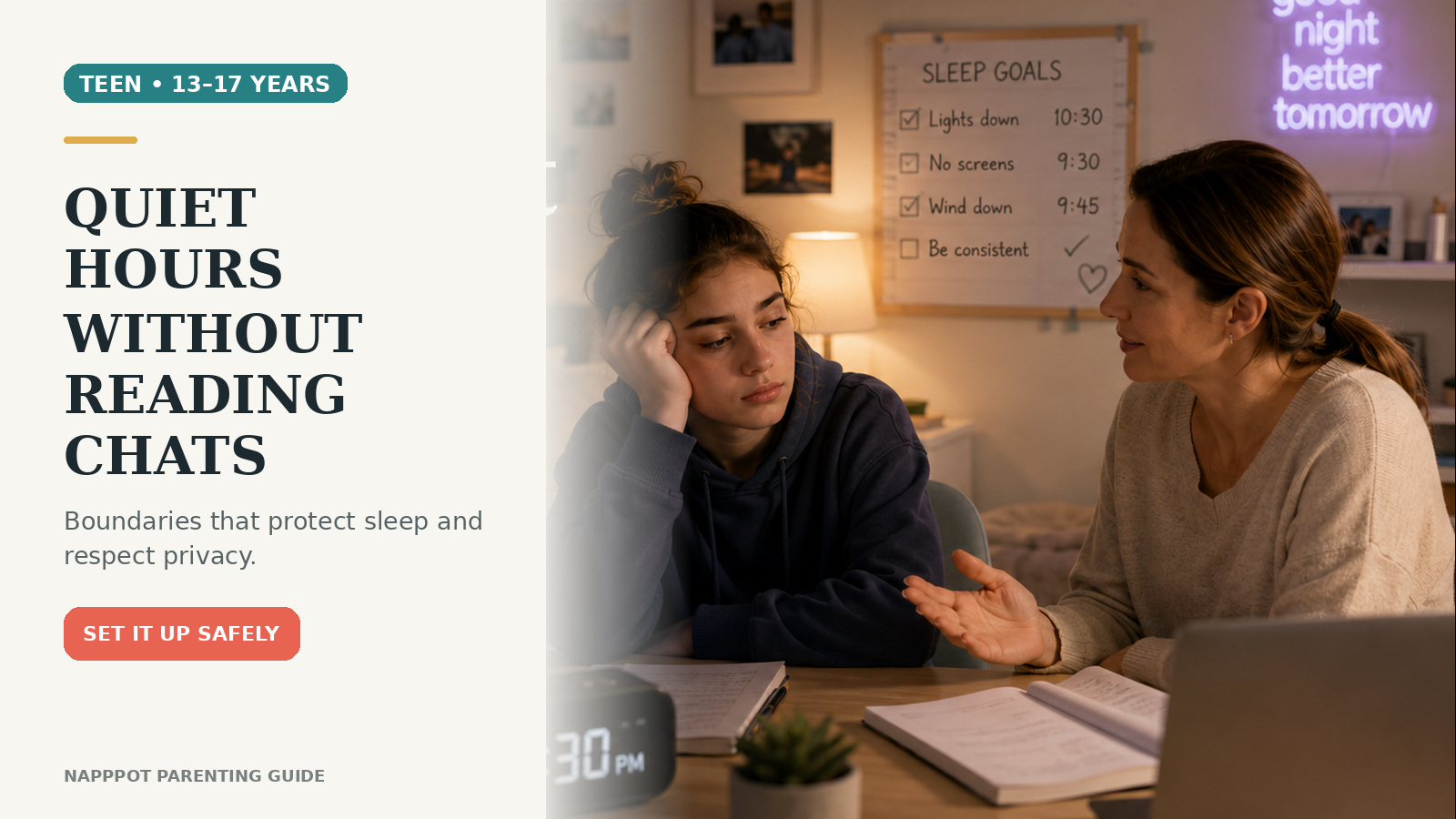
ChatGPT parental controls for teens can help families set a clear overnight boundary without turning ordinary conversations into a surveillance project. A parent or guardian can link an account with a teen, manage selected settings, and schedule quiet hours. Just as importantly, the controls do not provide routine access to the teen’s chats.
The setup works best when it supports a family conversation rather than replacing one. Explain why sleep, school, privacy, and safe AI use matter; choose a schedule together; and agree on what your teen should do when an AI answer touches health, safety, money, relationships, or emotional distress.
What ChatGPT parental controls for teens actually do
According to OpenAI’s parental-controls documentation, a linked parent or guardian can manage certain settings in the teen’s account, set quiet hours, and receive safety notifications in limited serious situations. Linking also adds age-appropriate safeguards intended to reduce some sensitive content.
These tools have important limits:
- Parents cannot read or monitor the teen’s conversations through parental controls.
- The controls are not invisible. The teen participates in linking and can see which settings are managed.
- Either person can unlink the accounts. OpenAI says the parent or guardian is notified if the teen unlinks.
- Settings are not a guarantee of safety. Technical safeguards can miss things, and family guidance still matters.
That balance is useful: parents can create boundaries around access and features while leaving normal conversation privacy intact.
Before you start: have a two-minute conversation
Do not begin by grabbing the device or implying that your teen has done something wrong. Try a straightforward opening:
“I want us to set a nighttime boundary that protects sleep. These controls do not let me read your chats. Let’s choose hours that make sense and talk about what you can do if you need help while ChatGPT is unavailable.”
Ask when your teen uses ChatGPT and for what purposes. Homework planning at 7 p.m. is different from scrolling through AI conversations at 1 a.m. Understanding the pattern helps you choose a realistic schedule instead of an arbitrary punishment.
If your family is also deciding how much device supervision is appropriate, use a gradual approach like the one in our six-signal parental-controls step-down plan. Independence can grow as skills become more consistent.
How to link a parent and teen account
The current web setup begins in the parent or guardian’s ChatGPT account:
- Open your profile menu and select Settings.
- Select Parental controls.
- Select Add family member.
- Choose whether to send the invitation by phone number or email address.
- Enter the teen’s information and send the invitation.
- Ask the teen to open the text or email and accept the link while signed in to the correct ChatGPT account.
- Return to Settings → Parental controls and select the teen under Family members.
A teen can also start the process from Settings → Parental controls by inviting a parent. OpenAI currently allows one parent or guardian to link with multiple teens, while each teen can link with only one parent or guardian at a time.
If the menu labels on your screen differ, pause and use the latest official help page rather than forcing a path from an old screenshot. Product interfaces can change.
How to set quiet hours
After the accounts are linked:
- Go to Settings → Parental controls.
- Select your teen under Family members.
- Select Quiet hours and turn the setting on.
- Choose a start time and an end time.
- Review the schedule with your teen and test it before relying on it.
OpenAI currently documents one quiet-hours window at a time. During that window, ChatGPT—including ChatGPT Work—cannot be used from the linked teen account.
Choose hours that fit the real routine
A useful schedule usually starts before the teen should be asleep, not at the exact bedtime. That leaves time to finish conversations, plug in devices, and shift into a calmer routine. Work backward from the wake-up time needed for school, travel, breakfast, and medication or morning care.
For example, if devices are parked at 10 p.m., quiet hours might begin at 10 p.m. and end after the family’s normal wake-up time. The right schedule depends on age, school demands, weekends, and household needs. Avoid presenting one clock time as correct for every teen.
If late nights are already disrupting sleep, pair the setting with the gradual habits in our guide to resetting a teen’s sleep schedule. Morning light, a steady wake time, and a predictable wind-down matter more than a single switch.
Review the other available controls
The linked account page may also let a parent manage features and defaults. OpenAI’s current documentation lists controls for reducing sensitive content, model-training preferences, saved-memory references, Voice Mode, image generation, Study Mode, and certain ChatGPT Work capabilities. Availability and labels may evolve.
Do not turn everything off automatically. Review each option with a specific purpose:
- Reduce sensitive content: OpenAI says linked teen accounts receive additional safeguards, and this setting is on by default.
- Improve the model for everyone: This controls whether the teen’s conversations may be used to improve models; OpenAI lists it as off by default for linked teen accounts.
- Reference saved memories: Decide whether ChatGPT may use saved memories to personalize later responses.
- Voice Mode and image generation: Keep or disable each feature based on how the teen uses it and your family’s boundaries.
- Study Mode: The parental setting can make new main conversations start in Study Mode. It does not block other modes in every surface.
OpenAI notes that updates may not take effect immediately. Some changes apply to new conversations, while an existing conversation may keep earlier behavior. After changing a setting, begin a new chat and confirm the expected result with your teen.
What parents can and cannot see
The privacy boundary deserves a clear explanation. Parental controls do not provide chat transcripts or real-time monitoring. A parent should not tell a teen, “I can see everything,” because that is inaccurate and can damage trust.
OpenAI may send safety notifications in limited situations involving serious self-harm concerns or when a linked teen account is banned for conversations related to acts of violence. The company says specially trained reviewers evaluate potential alerts and that only information needed to support safety is shared. Notifications are not proof that every danger will be detected, and they are not a substitute for professional care or emergency help.
Set a family rule that urgent distress goes to a person, not only to an AI system. Identify two or three adults your teen can contact, such as a parent, relative, school counselor, coach, doctor, or another trusted adult. If there is immediate danger, contact local emergency services or an appropriate crisis service.
Build a simple AI-use agreement
Quiet hours solve one narrow problem: access during a scheduled window. A short agreement handles the situations a timer cannot cover. Keep it practical:
- Do not share passwords, precise location, financial information, intimate images, or other highly identifying details.
- Check medical, legal, financial, and high-stakes safety advice with a qualified person.
- Tell an adult if an answer feels threatening, sexual, manipulative, extreme, or seriously upsetting.
- Use a human support plan for severe distress, self-harm thoughts, abuse, or immediate danger.
- Talk about mistakes without making automatic device confiscation the price of honesty.
- Review the agreement and quiet-hours schedule after two weeks, then periodically.
This agreement should be visible and short enough to remember. It can sit alongside the broader readiness skills in our seven safety questions for teens using AI for emotional support.
Troubleshooting common problems
The invitation went to the wrong account
Confirm the email address or phone number and make sure the teen accepts while signed in to the intended account. A teen can link with only one parent or guardian at a time, so an existing link may need attention first.
The setting does not seem to work
Check that the accounts still appear linked, confirm the start and end times, and start a new conversation after the change. If the problem continues, consult OpenAI Support rather than assuming the teen bypassed the control.
Your teen unlinks the accounts
OpenAI says either party can unlink and that a parent is notified when a teen does so. Treat unlinking as a prompt for conversation. Ask what felt too restrictive or confusing, restate the safety purpose, and decide whether to send a new invitation. Linking requires participation; it should not be framed as secret monitoring.
Quiet hours block legitimate late work
Adjust the single window rather than repeatedly turning the feature on and off without explanation. Also ask whether the late work reflects an unusual deadline or a routine planning problem. Build a backup that does not depend on ChatGPT, such as saved notes, school resources, or asking a teacher the next day.
Frequently asked questions
Can parents read a teen’s ChatGPT chats?
No. OpenAI states that parental controls do not give parents access to teen conversations or real-time monitoring. Limited safety notifications are separate and share only information intended to support safety.
Can I block ChatGPT overnight?
Quiet hours set one scheduled window when ChatGPT cannot be used from the linked teen account. Choose the start and end times in the teen’s parental-controls settings.
Can a teen change parent-managed settings?
OpenAI says a teen cannot change parent-managed settings while the accounts remain linked. However, either the teen or parent can unlink the accounts, and the parent is notified if the teen unlinks.
Do quiet hours replace a family technology agreement?
No. Quiet hours manage access during a time window. They do not teach privacy judgment, fact-checking, crisis help-seeking, or how to respond to a troubling answer. Those skills require ongoing conversation and practice.
A calm setup is the safest starting point
ChatGPT parental controls for teens are most useful when the limits are transparent. Link the accounts together, set one realistic quiet-hours window, review only the settings your family needs, and state clearly that the controls do not reveal ordinary chats. Then add a simple agreement for privacy, high-stakes questions, and human support.
Revisit the setup after your teen has lived with it. A boundary that protects sleep while respecting ordinary privacy is more likely to earn cooperation—and to help your teen build the judgment they will eventually need without parental controls.